Skip to content

Introduction

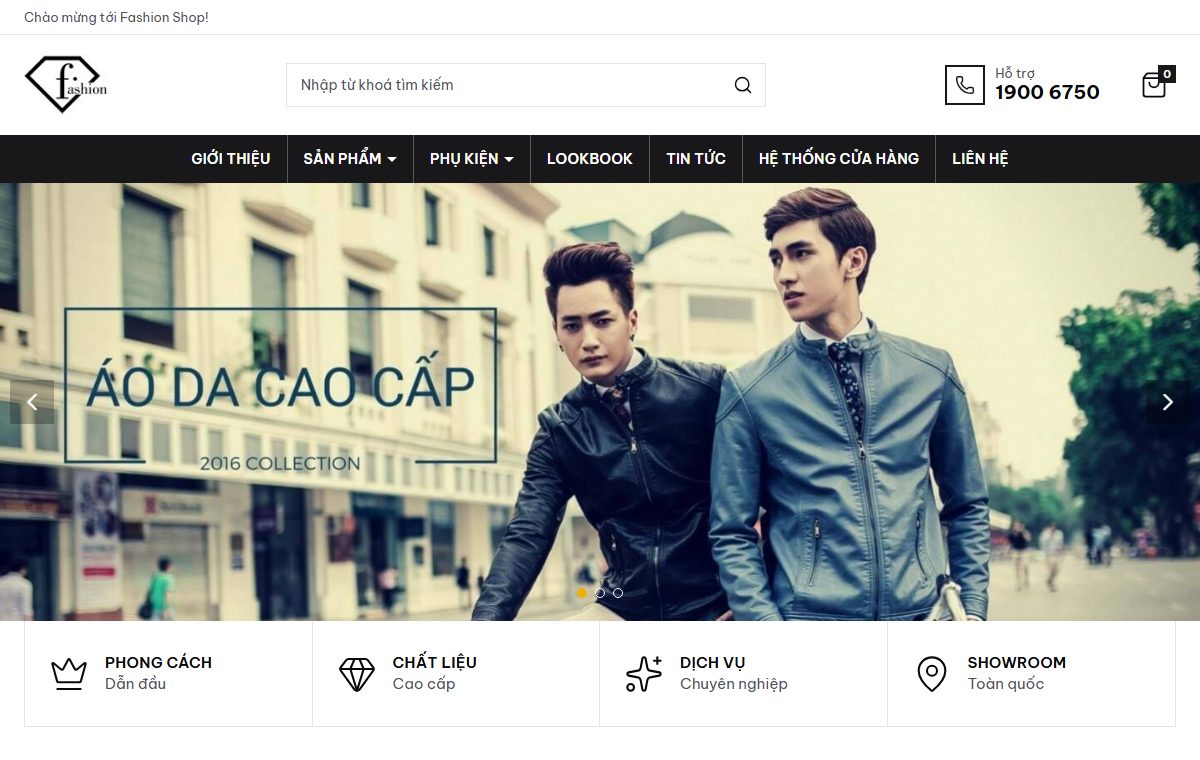
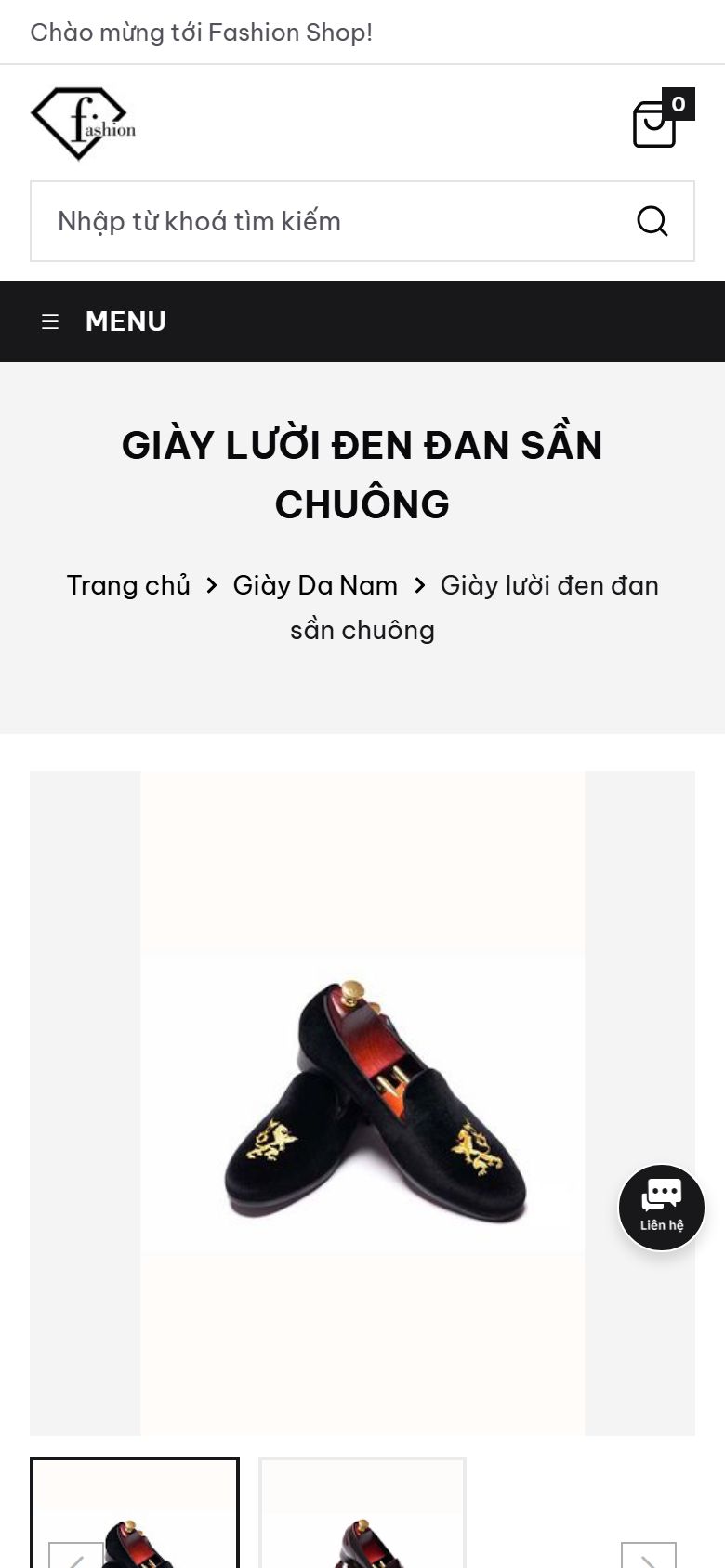
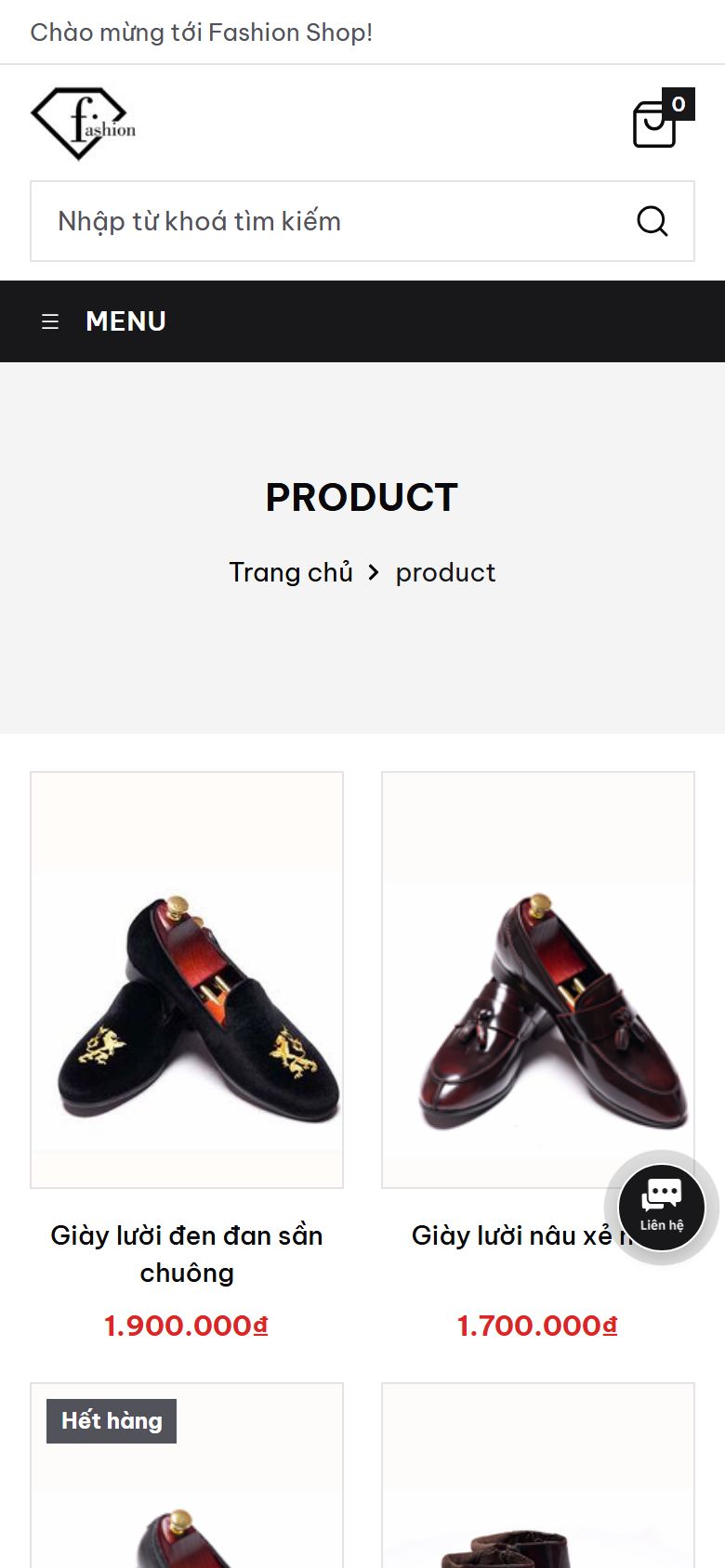
FashionShop is designed for clothing, suit, shirt and menswear accessory shops that want to sell directly on Blogspot. A minimal Swiss style — white background, black text, red prices and uppercase headings — keeps the focus on your products.

Real selling, not just a showcase

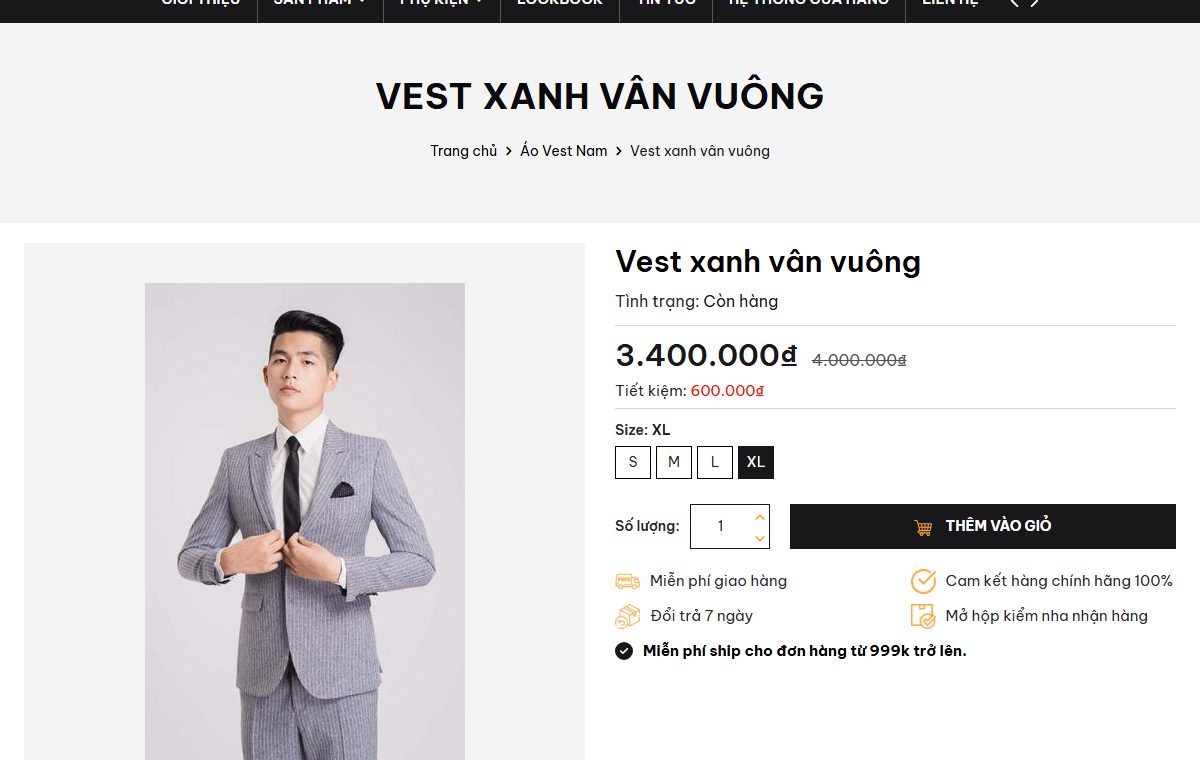
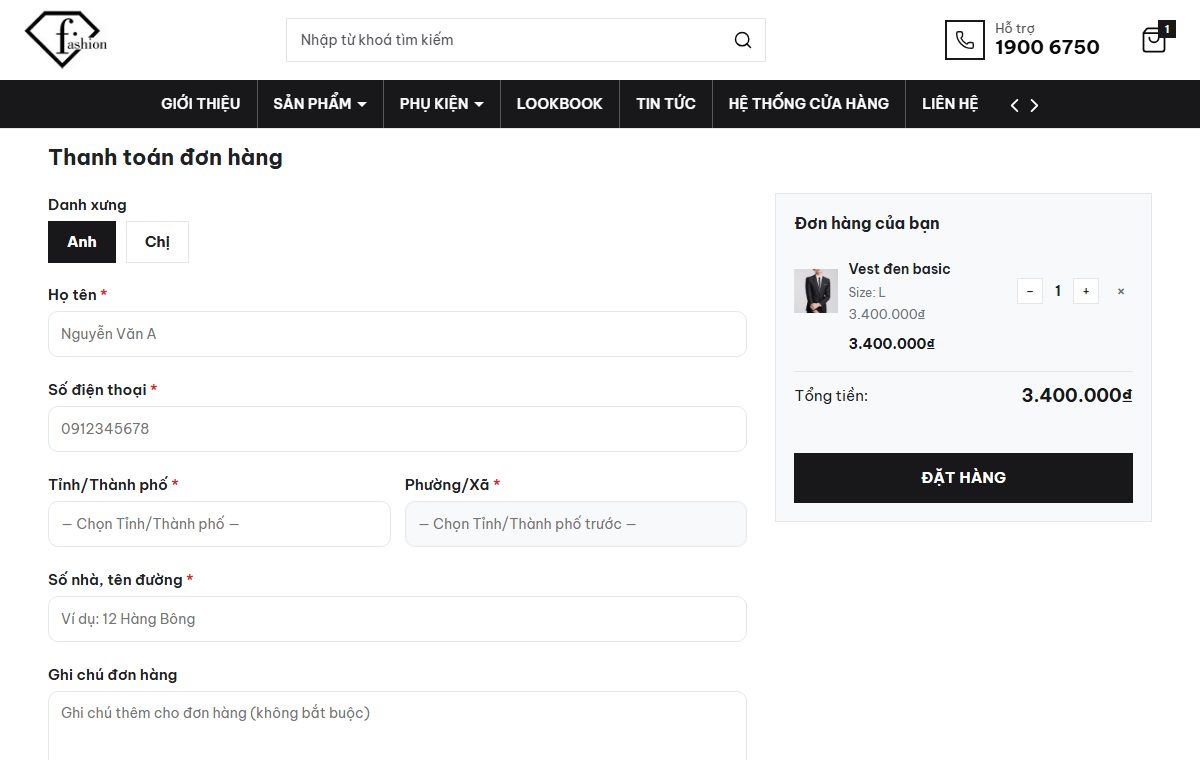
Each product has Size variants (S–XL, shoe sizes, belt lengths...) and the price changes with the size picked. Customers add to the cart, the cart slides in from the right, and checkout lets them choose Province/City → Ward/Commune using the current administrative divisions, with phone (10 digits) and email validation before sending.

Orders go straight to the Orders page of the Blogger Manager extension, with email and Telegram notifications. After ordering, customers see a thank-you panel with their order code.

A store locator with a map

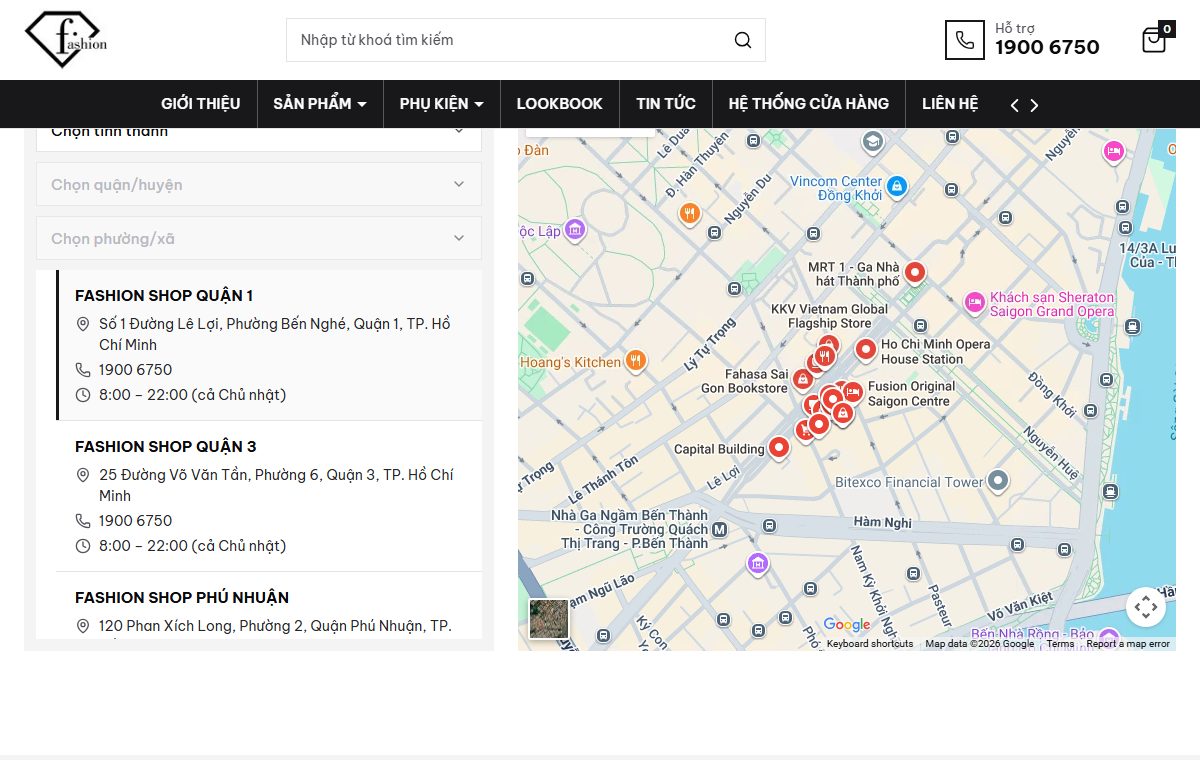
Filter showrooms by Province → District → Ward; click a store and the Google map jumps to it. You only edit the address list — no API key needed.

Edit everything in Layout

The menu, slider, banners, the four homepage category blocks, the news block, the "How to buy" tab on product pages, the footer... are all gadgets you can edit in Blogger's Layout.
Key features

Size variants with their own prices

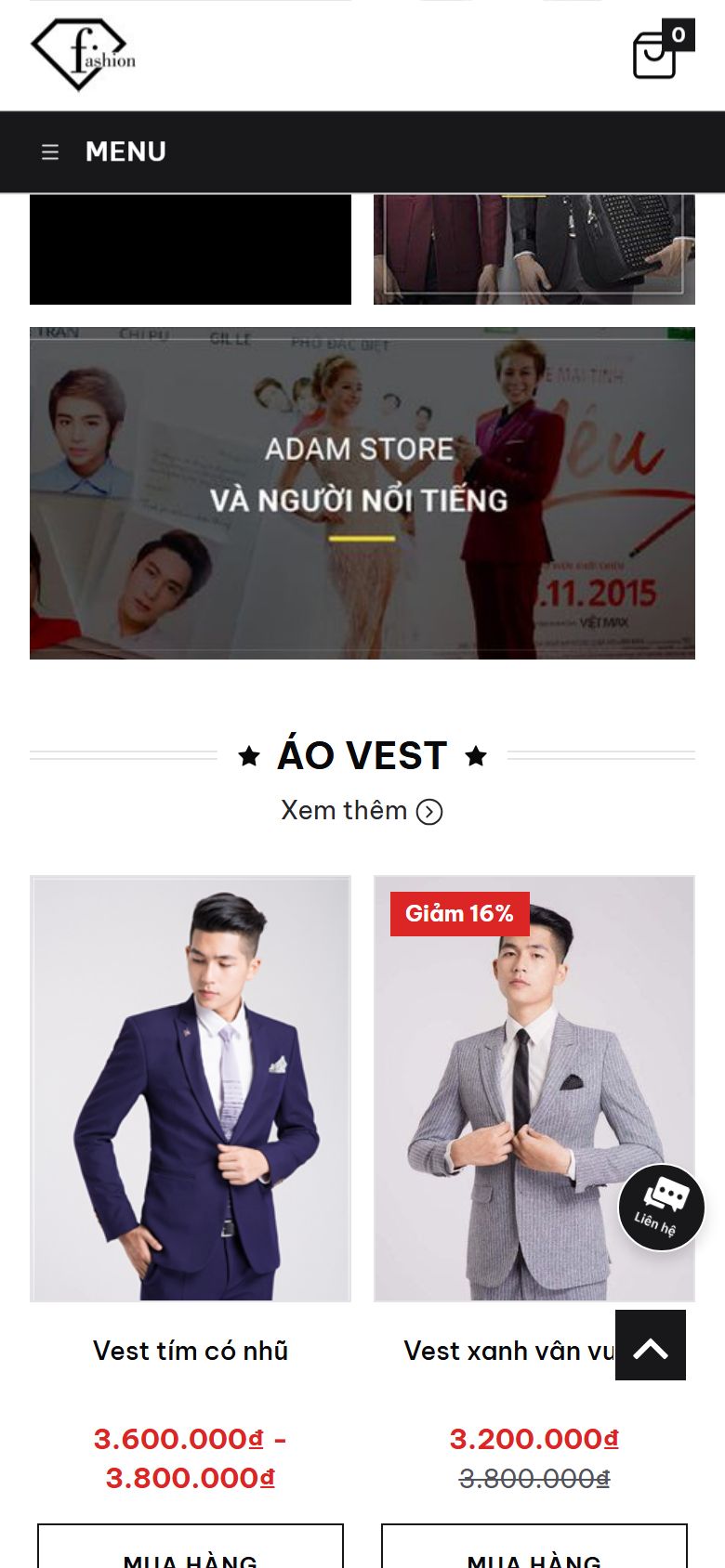
A separate price per size, sale prices, and Sale/Hot/Best seller/Sold out labels.

Slide-out cart + checkout page

Province → Ward selection, phone and email validation, a thank-you panel after ordering.

Orders land in the extension

Manage status and notes, export CSV; instant email/Telegram alerts.

Category SEO

Label pages get their own title, description and share image, rendered server-side.

Store locator + map

Filter by Province/District/Ward and click to switch the Google map.

Real contact form

Messages are actually sent to the server — not a fake form that only shows "sent".

Specifications

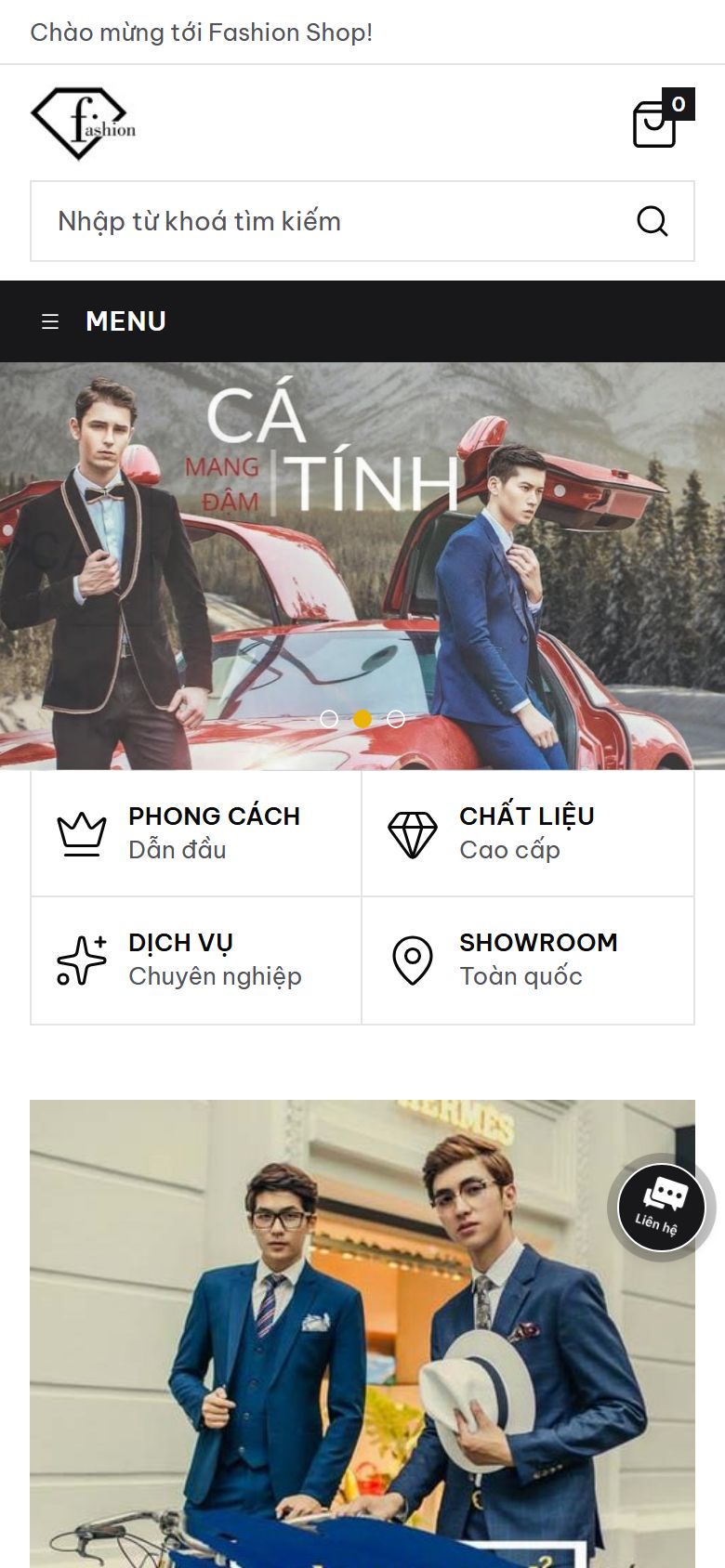
  • Responsive from 375px to desktop
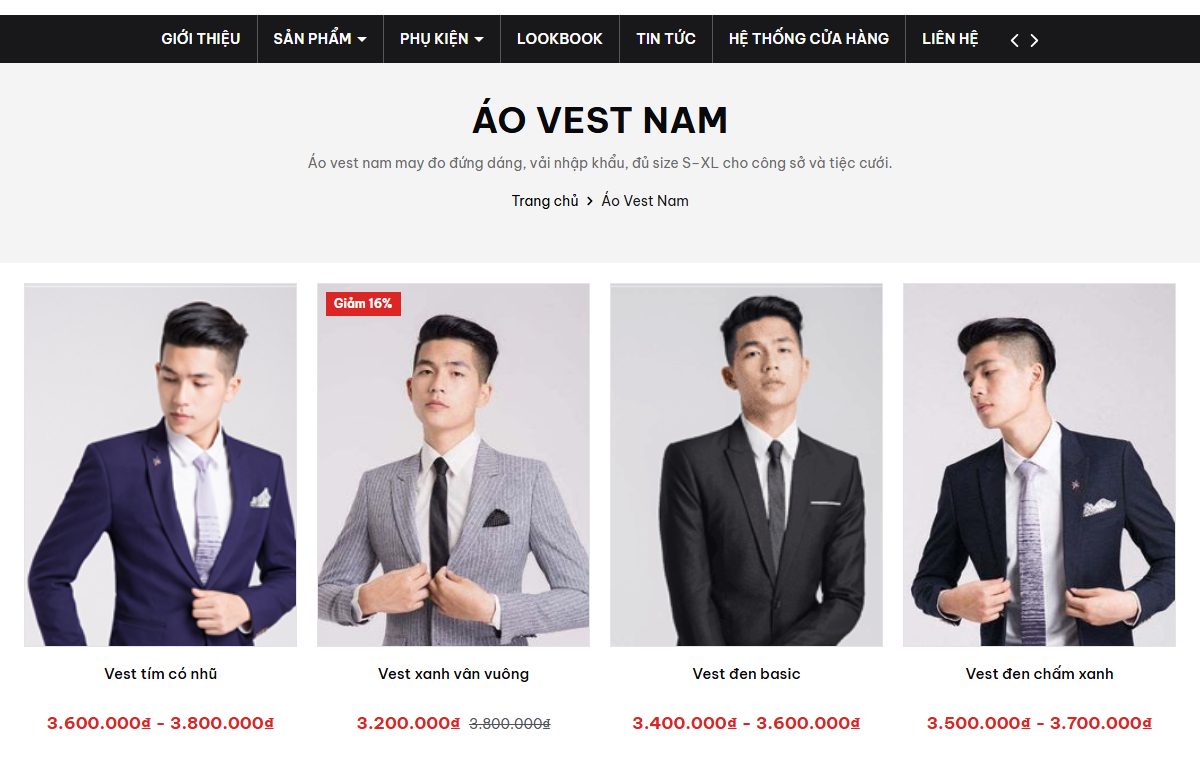
  • 4-column product grid, 3:4 images
  • Be Vietnam Pro font with full Vietnamese support
  • Lazy-loaded images
  • Includes 16 sample products + 4 sample posts
  • schema.org/Product microdata

Theme screenshots

How to get & install

  1. 01

    Order & scan the QR

    Enter your name and email, then scan the VietQR code — the transfer note is pre-filled with your order code.

  2. 02

    Instant unlock

    Once payment arrives, the theme unlocks in the extension's Theme store (sign in with the same Google email).

  3. 03

    Load it into your blog

    Use the Blogger Manager extension: Import / Export → Theme store → Apply theme, then Import sample data.

Other products

View all

Drinks & cafés

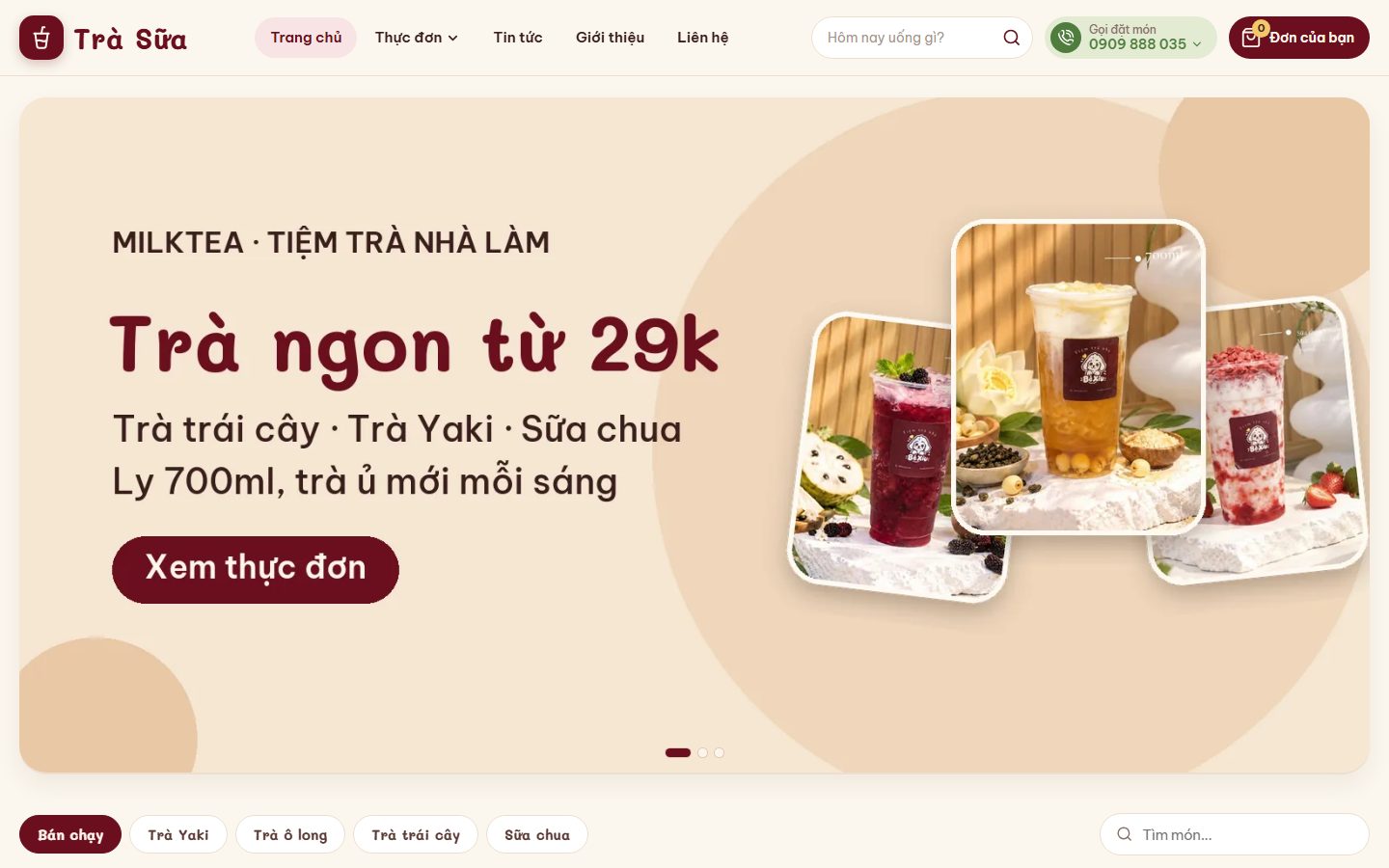
MilkTea Theme — Web Ordering for Bubble Tea Shops, with Table QR Codes, on Blogspot

Turn your blog into an ordering app for bubble tea, coffee and drink shops: the whole menu is on the homepage, tapping an item opens a slide-up sheet for sugar, ice and toppings, and ordering never leaves the page. Switch delivery, pick-up and at-table ordering with a QR code per table on or off — orders land straight in the extension, with VietQR bank transfer pre-filled with the amount.

800,000 VND

500,000 VND

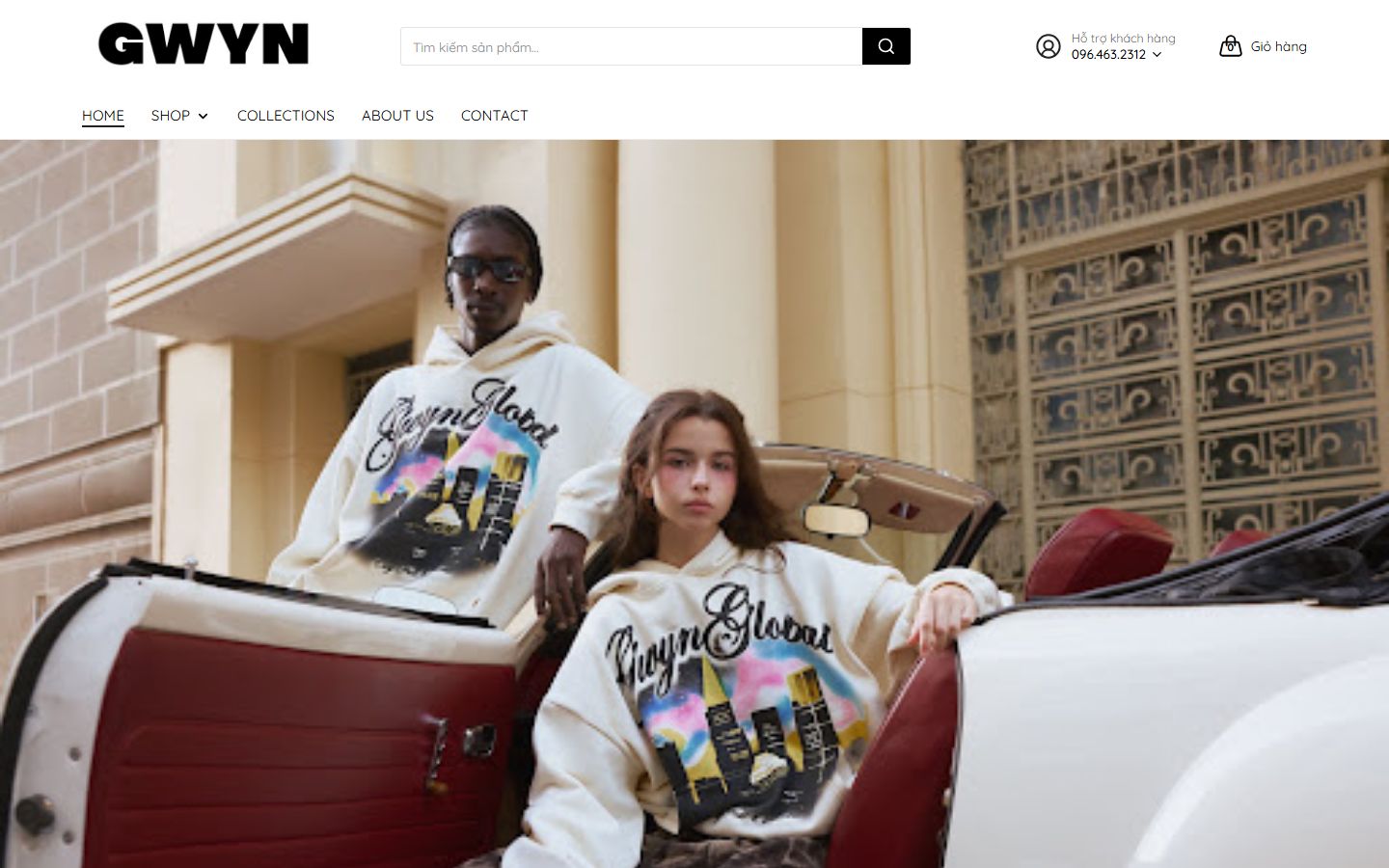
FashionShop Theme — Sell Men's Clothing & Fashion on Blogspot

500,000 VND